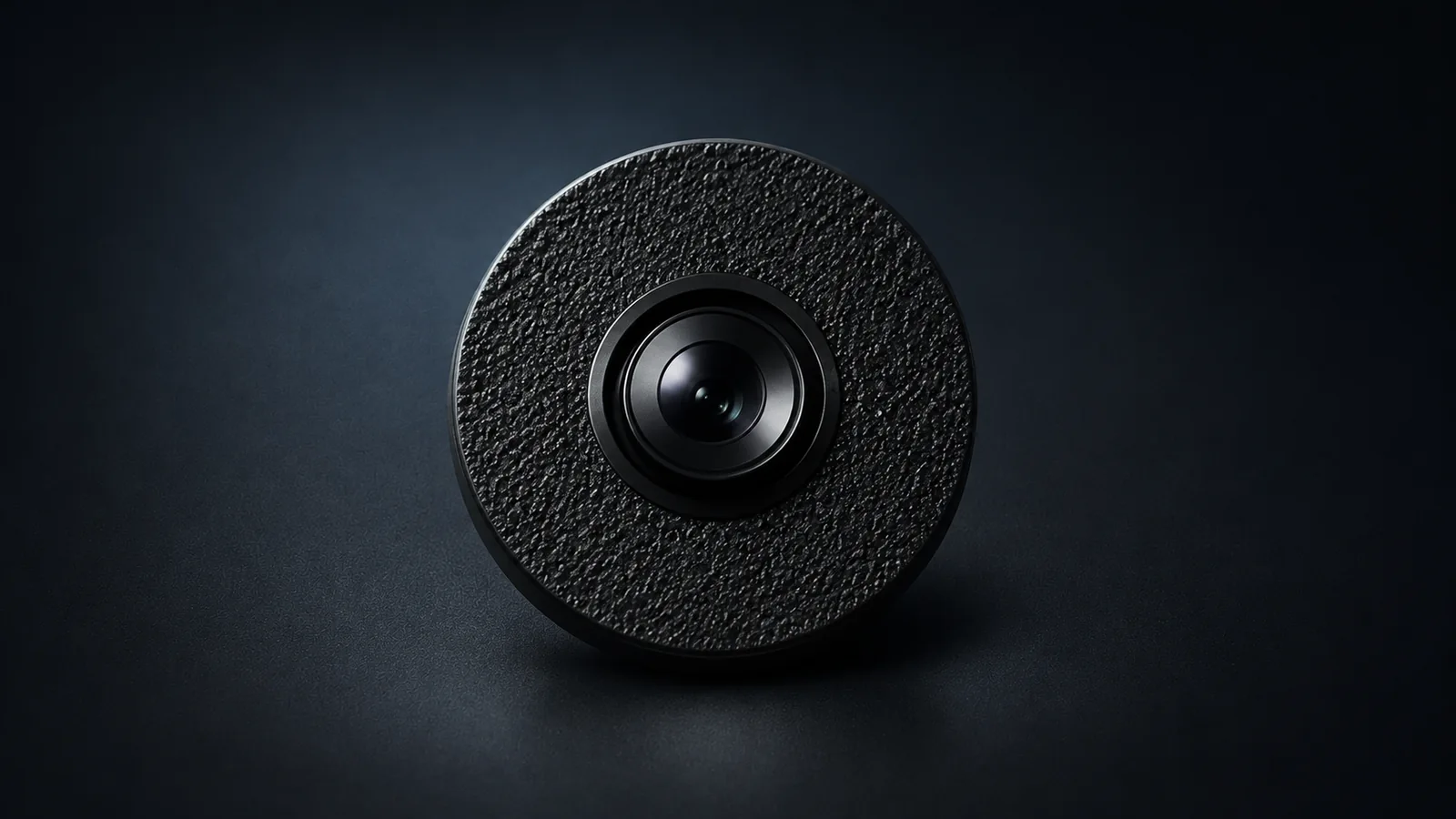
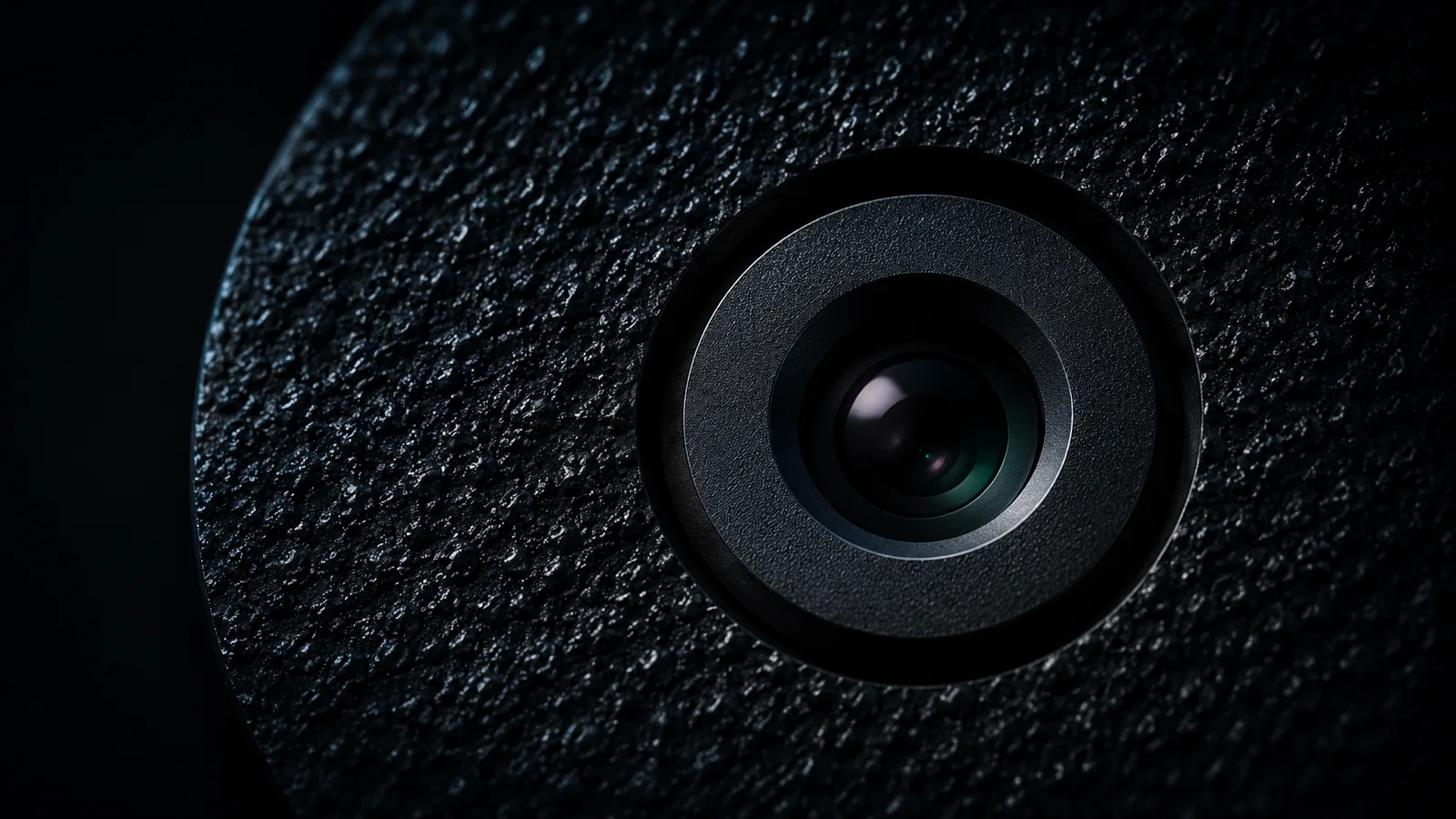

Compact camera.
Browser control.
Live viewing, photos and recording in a private browser dashboard.
View hardwareCompact camera
The Dust Electronics camera is a compact prototype with a 16 MP sensor for still photos. Use peephole to check the live view, take a photo for closer review or record a longer session on the device.
Price to be determined
View in shop
Your camera,
in a browser.
peephole gives approved users a private dashboard for their assigned device. Open it to check the live view, take a photo or return to a recording.
Explore peephole- Watch live
- See your assigned device in a supported browser. Online viewing works remotely when the device has an internet connection and your browser can reach the dashboard.
- Choose the photo you need
- Save a quick snapshot without interrupting the feed, or take a full-resolution photo and download the original. Live view may pause briefly for a full-resolution capture.
- Record on the device
- A device recording can continue after you close the dashboard. Return to stop it and download the files. Recording time depends on available storage and power.
- Give each person the right access
- Approved people use their own accounts. Viewing and operating permissions can be arranged separately, with the owner managing who has access.
Check in or keep a record
Open the live feed to see what’s happening now. Save a photo when you need a reference, or record a session to review later.
Check your setup from elsewhere
If you’ve left the camera pointed at a project, open peephole in a supported browser to see its current state. The camera needs to stay powered and online. Save a snapshot if you want to compare what you’re seeing with an earlier view.
Review a process from start to finish
Check the view before starting a device recording. You can close the dashboard while the camera records, then return to stop the session and download the files for review. Check available storage and power before a long session.
Plan your setup.
Start with a Discord inquiry so we can discuss your devices, who needs access and how you plan to use them. Product availability and dashboard invitations are confirmed separately.
Inquire on DiscordA few things to know
Tell us what you need
Include how many devices you want, how many people need viewing or operating access, and the computer or phone you plan to use. Multi-device setups are arranged by invitation.
Online use and local preview
Remote viewing needs an internet connection at the device. Local mode is in testing and requires a compatible computer and a direct local connection; ask about compatibility and preview availability before ordering.
Keep the files you want
Gallery photos stay in the browser where you saved them. Device recordings stay on the device until downloaded. Download anything you want to keep or move to another computer.
Confirm the details before ordering
Ask for the current price, kit contents, equipment you need to supply, estimated delivery or setup time, and support and return terms. Joining Discord starts the conversation; dashboard access requires separate approval.