Meet the
camera
Photo capture
Take a quick snapshot, or save a full-resolution photo when detail matters.
Scroll to explore
- 16 MP
- Still-image sensor
- Browser
- Approved dashboard access
- Powered
- External power required
A closer look
at the camera.
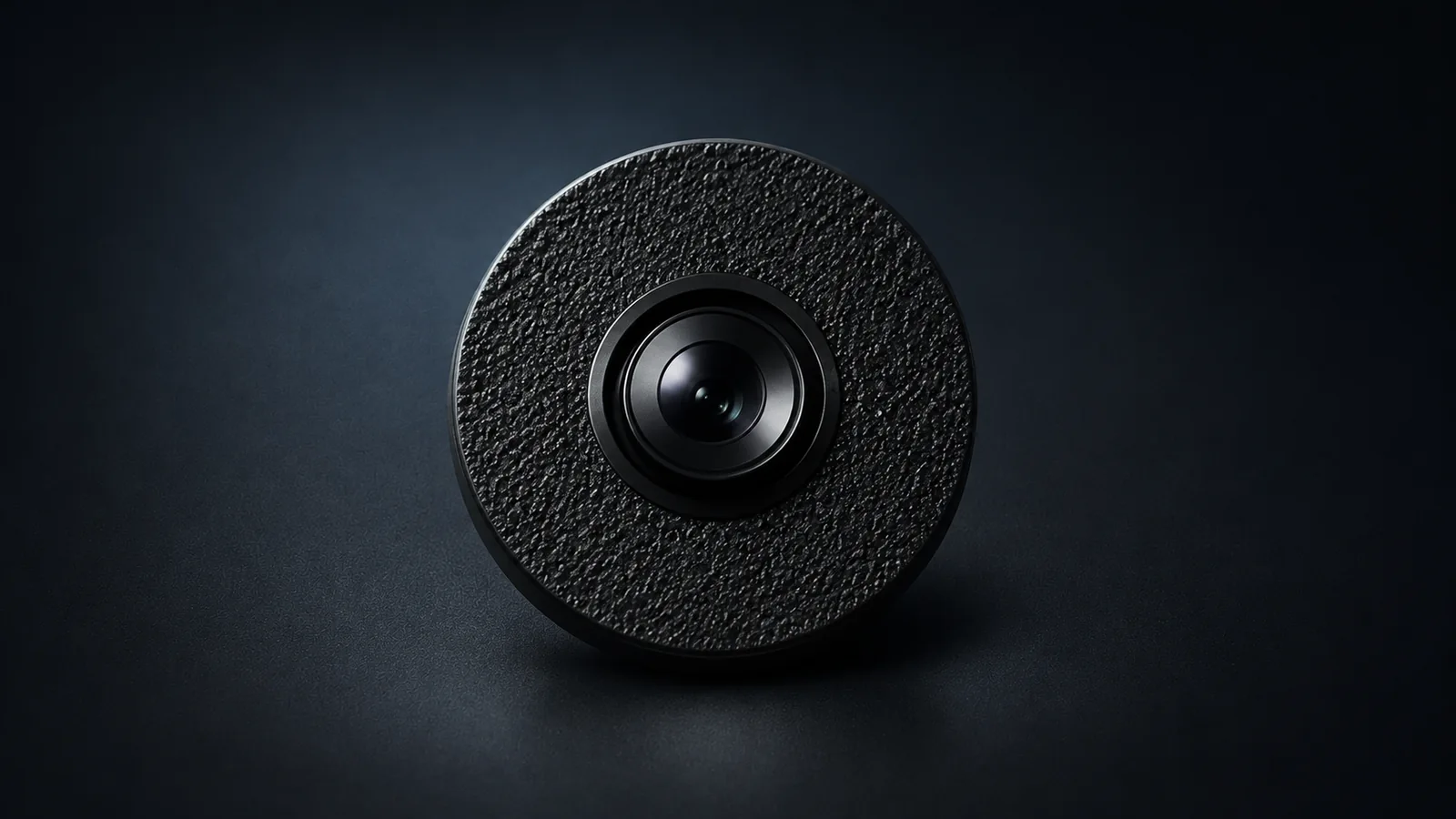
The Dust Electronics compact camera is in development. Position the camera where you want a view, then open peephole in a supported browser to check what’s in frame. The prototype has a 16 MP still-image sensor for capturing photos you can download and inspect later.
From live view
to a saved file.
In peephole, open the live feed from your assigned camera to see what’s happening. When you want something to review later, choose a snapshot, a full-resolution photo, or a recording based on how much detail or time you need to capture.
Explore peepholeViewing and capture options
| Option | When to use it |
|---|---|
| Live view | Check what’s in frame as you position the camera, or open the feed from elsewhere when the camera is online. |
| Quick snapshot | Save the current frame as a reference, such as a before photo, while the live view continues. |
| Full-resolution photo | Download the original still when you want to enlarge or crop a detail for closer review. The live view may pause briefly during capture. |
| Device recording | Capture a process over time so you can review what happened in sequence. A recording can continue after you close the dashboard. |
Where your files go
Photos in your browser
Photos you save in the peephole gallery stay in the browser where you saved them. Download the photos you want to review on another device or share with someone. If you’re documenting changes, save a photo at each stage and keep the downloads together for comparison.
Recordings on the camera
Recordings stay on the camera until you download them. For a longer session, check the power and storage available to the camera. When you’re ready to keep the footage, return to peephole, stop the session, and download its files.
Plan your
camera setup.
Tell us where you plan to use the camera and what you want to capture. Include the typical session length if you’ll be recording for extended periods. The details below help us confirm availability and what you’ll need.
- Number of cameras and who needs access
- Remote viewing or the local mode preview
- The computer or phone you plan to use
Before you get started
Power and connection
Choose a location with access to external power. For online viewing, the camera also needs working internet access and your browser must be able to reach peephole. If the camera loses its connection, remote viewing pauses until it reconnects.
Sharing a camera
Dashboard access is by invitation. Viewers can open the feed and use capture features according to their permissions. Operators get additional controls, and the owner manages access. For multiple cameras, tell us who needs access to each device.
Local mode preview
Local mode is in testing for setups that need to operate without internet access. It requires a compatible computer and a direct local connection. Ask about preview availability and compatibility for your equipment.
Availability and kit contents
Price to be determined. Ask what comes with the camera, what you need to supply, and how long delivery or setup may take. Confirm support and return terms before placing an order.